
About
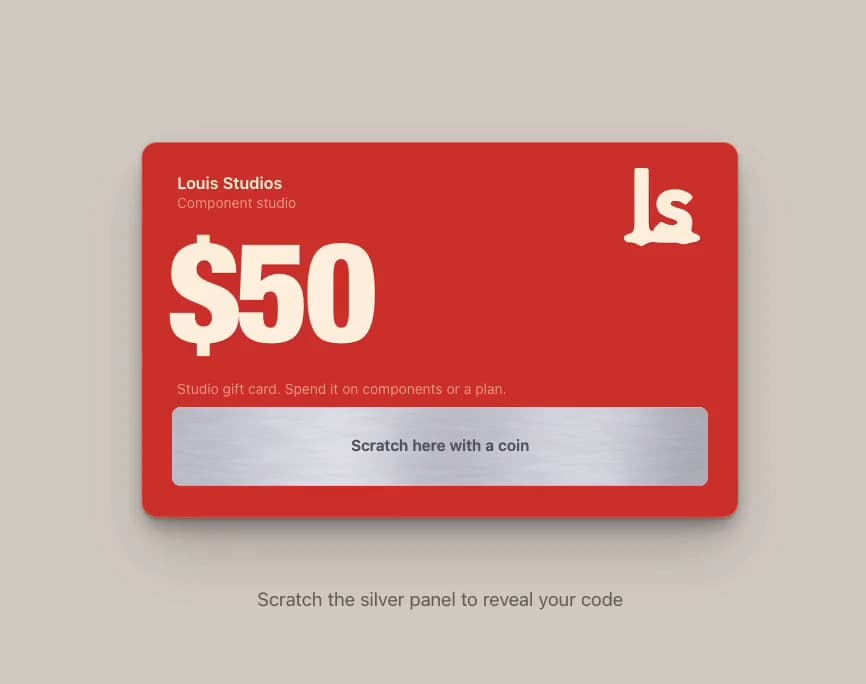
A red gift card with a brushed silver panel: drag a gold coin to scratch away grainy foil, flakes scatter, and the code appears with a copy button. More like this, plus a designer your coding agent can use, at studios.lou15.com/?ref=21st
Built with React and Tailwind. Copy the prompt and paste it into Claude Code, Cursor or Lovable: your agent adds Scratch Card to your project and fits it to your theme.
Code
How Scratch Card is used: the demo's code. The component's own source comes with a free account.
Usage.tsx
"use client";

import * as React from "react";
import { ScratchCard } from "@/components/ui/scratch-card";

/** Scratch Card filling the preview. Drag the coin over the silver panel, or let it play by itself. */
export default function ScratchCardDemo() {
  return (
    <main className="relative h-screen min-h-[340px] w-full overflow-hidden" style={{ backgroundColor: "#d8d4cc" }}>
      <ScratchCard autoplay amount="$50" code="DEMO-LS50-GIFT" style={{ width: "100%", height: "100%" }} />
    </main>
  );
}
More by Louis Studios
View all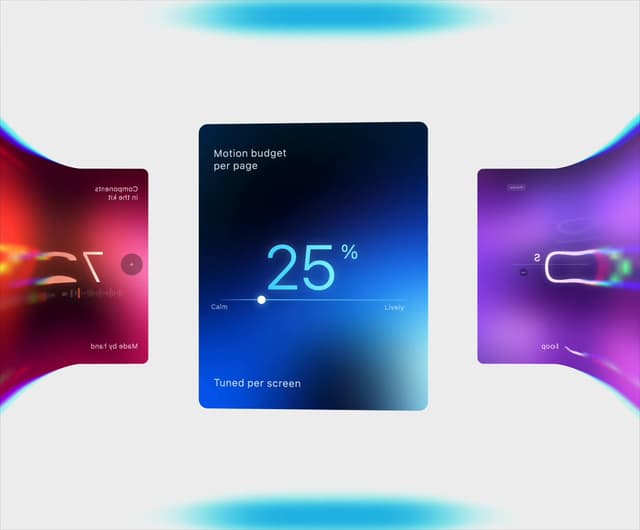

Warp Carousel
1.1K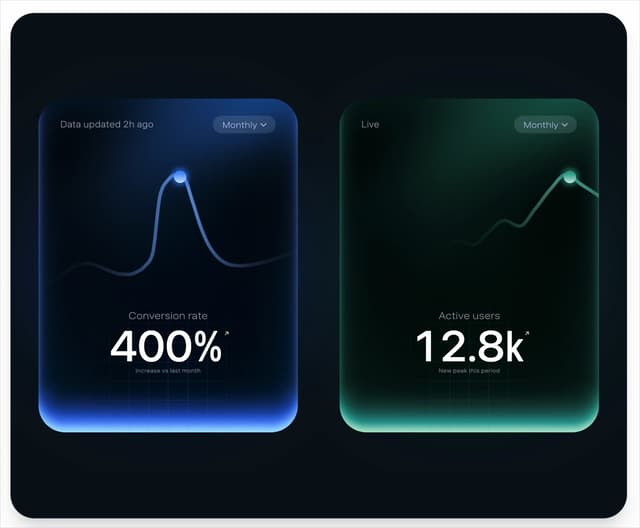
Peak Chart
873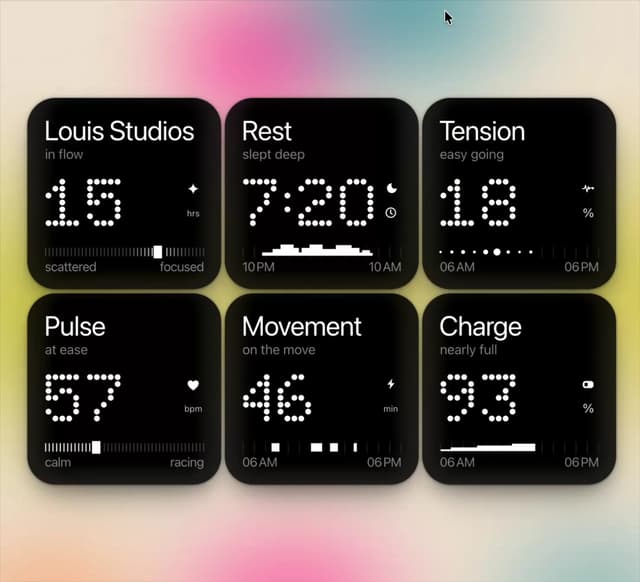
Dot Tiles
168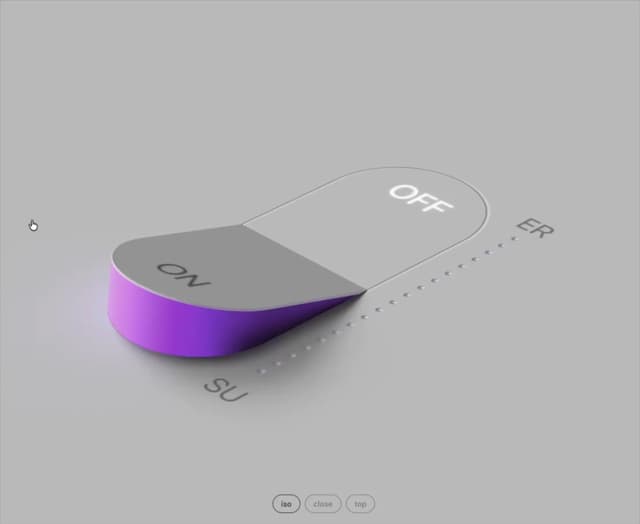
Glow Rocker
156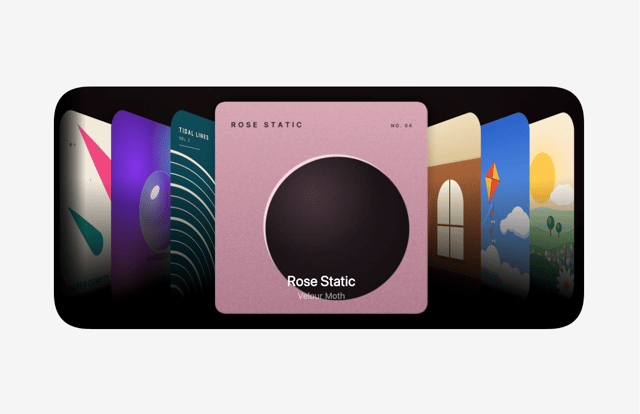
Cover Flow
126
Chapter Player
124
Chrome Arcs
124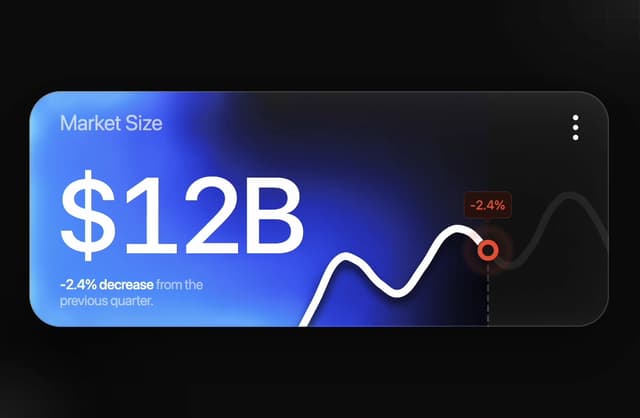
Market Card
106
More in Buttons
View all
Texture Button
108
Button
14

Notification Button
117

HeroUI Button Group
2

Eclipse Button
44
Button Save
50

App Store Button
484

Base Button
1


