
About
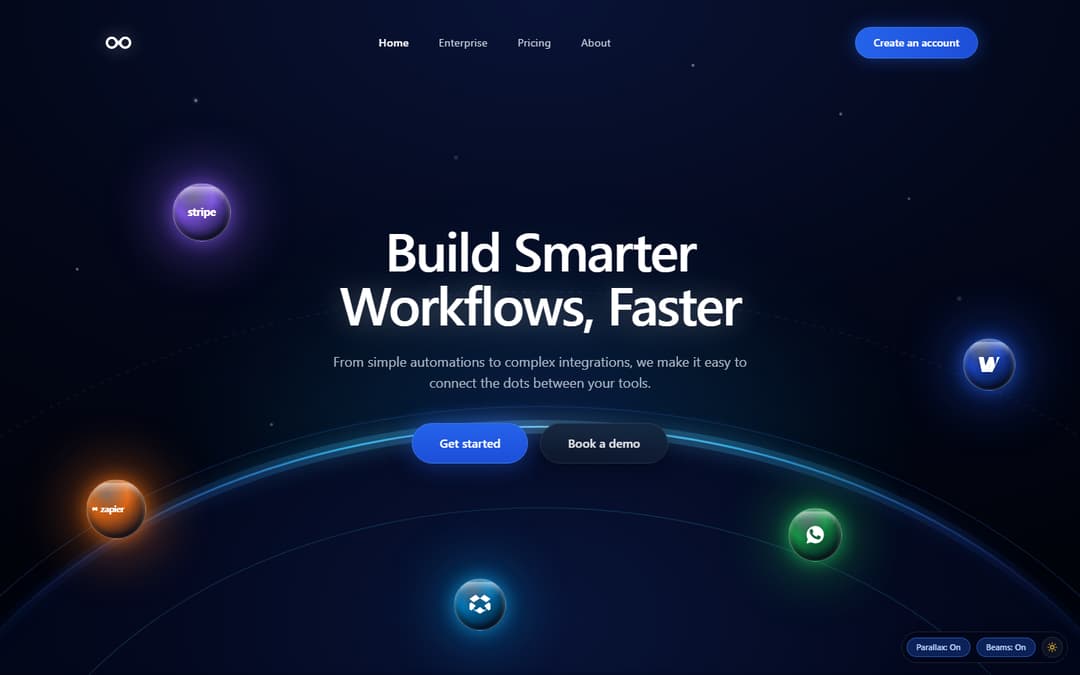
Celestial dark-mode SaaS & workflow automation hero header featuring planetary horizon curvature, concentric orbital guides, glowing interactive app integration nodes (Stripe, Zapier, Dropbox, WhatsApp, Wise), responsive mouse parallax, and live telemetry popovers.
Built with React and Tailwind. Copy the prompt and paste it into Claude Code, Cursor or Lovable: your agent adds App Integration Celestial Hero to your project and fits it to your theme.
Code
How App Integration Celestial Hero is used: the demo's code. The component's own source comes with a free account.
Usage.tsx
import { useState, useEffect } from "react";
import AppIntegrationHero, {
  type IntegrationNode,
} from "@/components/ui/app-integration-hero";
import { Sun, Moon } from "lucide-react";

export default function AppIntegrationHeroDemo() {
  const [isDark, setIsDark] = useState<boolean>(() => {
    if (typeof window !== "undefined") {
      const params = new URLSearchParams(window.location.search);
      const themeParam = params.get("theme");
      if (themeParam === "dark") return true;
      if (themeParam === "light") return false;
      return true;
    }
    return true;
  });

  const [enableParallax, setEnableParallax] = useState(true);
  const [enablePulseBeam, setEnablePulseBeam] = useState(true);
  const [selectedNode, setSelectedNode] = useState<IntegrationNode | null>(null);

  useEffect(() => {
    if (typeof document !== "undefined") {
      if (isDark) {
        document.documentElement.classList.add("dark");
        document.documentElement.classList.remove("light");
      } else {
        document.documentElement.classList.remove("dark");
        document.documentElement.classList.add("light");
      }
    }
  }, [isDark]);

  return (
    <div className="relative w-full min-h-screen bg-[#020512] text-white flex flex-col justify-between">
      {/* 1. Full-Bleed Pristine Component Render */}
      <AppIntegrationHero
        title="Build Smarter"
        titleHighlight="Workflows, Faster"
        subtitle="From simple automations to complex integrations, we make it easy to connect the dots between your tools."
        primaryCta={{
          label: "Get started",
          href: "#get-started",
        }}
        secondaryCta={{
          label: "Book a demo",
          href: "#demo",
        }}
        enableParallax={enableParallax}
        enablePulseBeam={enablePulseBeam}
        onNodeSelect={(node) => setSelectedNode(node)}
      />

      {/* 2. Floating Discreet HUD Demo Pill in bottom-right corner (doesn't obstruct hero layout) */}
      <div className="fixed bottom-4 right-4 z-50 flex items-center gap-2 p-1.5 rounded-full bg-slate-950/70 backdrop-blur-xl border border-white/10 shadow-2xl text-xs">
        <button
          type="button"
          onClick={() => setEnableParallax((prev) => !prev)}
          className={`px-3 py-1 rounded-full border text-[11px] font-medium transition-colors duration-150 ${
            enableParallax
              ? "bg-blue-600/30 border-blue-500/50 text-blue-200"
              : "bg-white/5 border-white/10 text-slate-400 hover:text-white"
          }`}
        >
          Parallax: {enableParallax ? "On" : "Off"}
        </button>

        <button
          type="button"
          onClick={() => setEnablePulseBeam((prev) => !prev)}
          className={`px-3 py-1 rounded-full border text-[11px] font-medium transition-colors duration-150 ${
            enablePulseBeam
              ? "bg-blue-600/30 border-blue-500/50 text-blue-200"
              : "bg-white/5 border-white/10 text-slate-400 hover:text-white"
          }`}
        >
          Beams: {enablePulseBeam ? "On" : "Off"}
        </button>

        <button
          type="button"
          onClick={() => setIsDark((prev) => !prev)}
          className="p-1.5 rounded-full bg-white/5 hover:bg-white/10 border border-white/10 text-slate-300 hover:text-white transition-colors duration-150"
          aria-label="Toggle theme"
        >
          {isDark ? (
            <Sun className="w-3.5 h-3.5 text-amber-400" />
          ) : (
            <Moon className="w-3.5 h-3.5 text-indigo-400" />
          )}
        </button>
      </div>

      {/* 3. Floating Telemetry notification on active node */}
      {selectedNode && (
        <div className="fixed bottom-4 left-4 z-50 px-4 py-2 rounded-full bg-slate-950/80 backdrop-blur-xl border border-white/15 shadow-2xl flex items-center gap-3 text-xs animate-in fade-in duration-200">
          <span
            className="w-2.5 h-2.5 rounded-full animate-pulse"
            style={{ backgroundColor: selectedNode.color }}
          />
          <span className="text-white font-medium">
            {selectedNode.name} Active
          </span>
          <span className="text-slate-500">•</span>
          <span className="text-slate-300">
            Latency: {selectedNode.telemetry.latency}
          </span>
          <span className="text-slate-500">•</span>
          <span className="text-emerald-400">
            {selectedNode.telemetry.uptime}
          </span>
          <button
            type="button"
            onClick={() => setSelectedNode(null)}
            className="text-[11px] text-slate-400 hover:text-white underline ml-1"
          >
            Dismiss
          </button>
        </div>
      )}
    </div>
  );
}
Dependencies
More by WRAPCODERS
View all

Metric Trend Chart
31
Real Estate 3D Hero
23
Interactive 3D Hero Header
2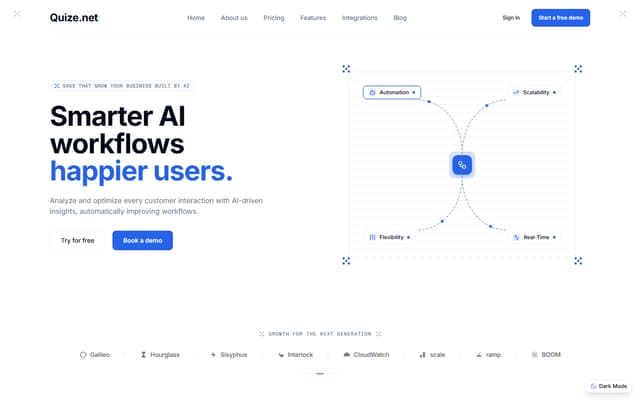
AI SaaS Workflow Hero
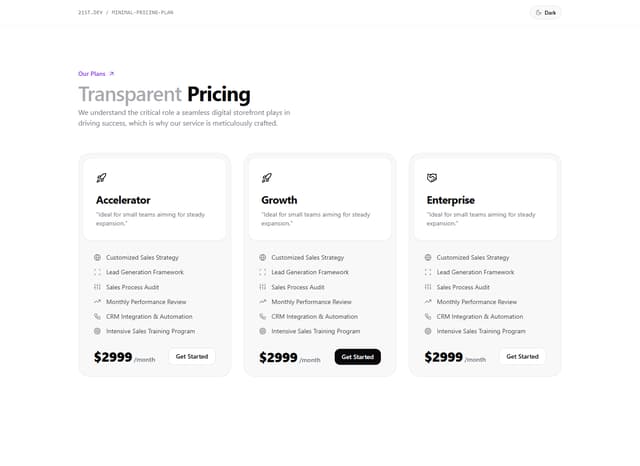
Minimal Pricing Plan

Portfolio Projects Showcase
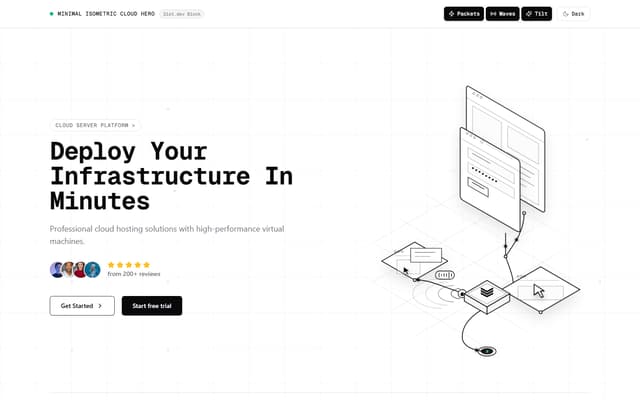
Minimal Isometric Cloud Hero
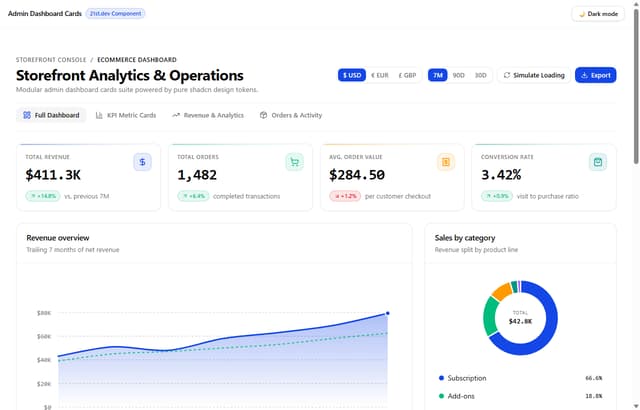
Admin Dashboard Cards
More in Heroes
View all

Responsive Hero Banner
2.2K

SaaS Template
2.7K

Hero
1.3K
Centered Hero with Image Fan
1.1K
Editorial Collage Hero
507

Hero Section
445

Aero Hero-3
618
Hero with group of images, text and two buttons
442
