
About
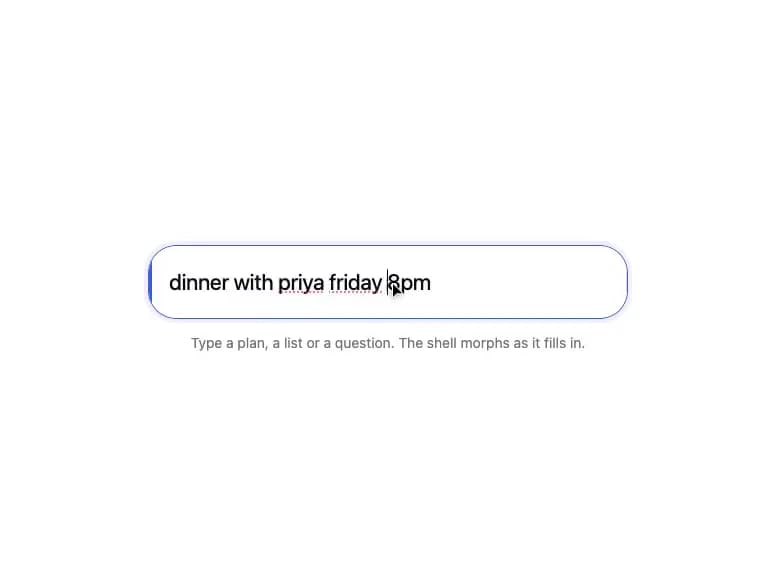
An animated shell that smoothly morphs its size, lift, and shadow as a readiness value changes, with an optional colored edge indicator — useful for an input or card that visually reacts as it fills in.
Built with React and Tailwind. Copy the prompt and paste it into Claude Code, Cursor or Lovable: your agent adds Morph Container to your project and fits it to your theme.
Code
How Morph Container is used: the demo's code. The component's own source comes with a free account.
Usage.tsx
"use client";

import { MorphContainer } from "@/components/ui/morph-container";
import { useEffect, useState } from "react";
import { useSpring } from "motion/react";

const EDGE_COLORS: Record<"task" | "list" | "question", string> = {
  task: "#3b5bdb",
  list: "#2f9e44",
  question: "#e8590c",
};

function detectIntent(text: string) {
  const t = text.trim();
  if (!t)
    return { intent: null as null | keyof typeof EDGE_COLORS, completeness: 0 };
  const intent: keyof typeof EDGE_COLORS = t.endsWith("?")
    ? "question"
    : t.includes(",")
      ? "list"
      : "task";
  return { intent, completeness: Math.min(1, t.length / 28) };
}

export default function MorphContainerDemo() {
  const [text, setText] = useState("dinner with priya friday 8pm");
  const readiness = useSpring(0, { stiffness: 180, damping: 26 });
  const detected = detectIntent(text);

  useEffect(() => {
    readiness.set(detected.completeness);
  }, [detected.completeness, readiness]);

  return (
    <div className="flex w-full items-center justify-center bg-background p-10">
      <div className="w-full max-w-[480px]">
        <MorphContainer
          readiness={readiness}
          edge={detected.intent ? EDGE_COLORS[detected.intent] : null}
        >
          <div className="relative flex h-[72px] items-center px-5">
            <input
              value={text}
              onChange={(e) => setText(e.target.value)}
              placeholder="Type a plan, a list or a question..."
              className="relative z-[1] h-8 w-full bg-transparent pe-6 text-[22px] leading-8 font-[450] tracking-[-0.01em] text-foreground outline-none placeholder:text-muted-foreground"
            />
          </div>
        </MorphContainer>
        <p className="mt-3 text-center text-sm text-muted-foreground">
          Type a plan, a list or a question. The shell morphs as it fills in.
        </p>
      </div>
    </div>
  );
}
Dependencies
More by Anish Gupta
View all
Countdown Card
Animated Checklist
Bill Split Card
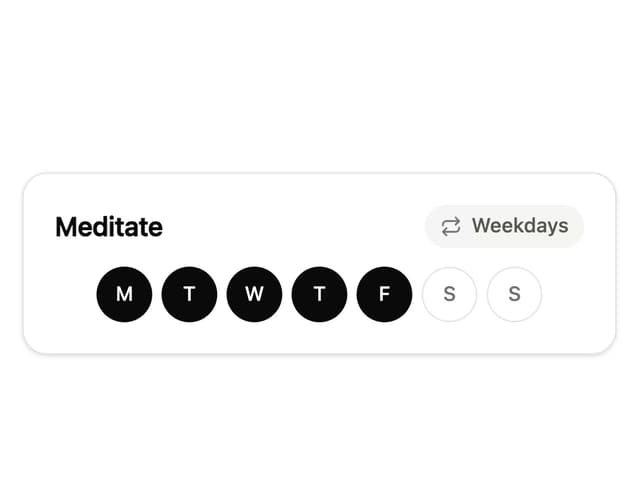
Habit Tracker Card
More in Cards
View all

Course Design Cards
1.3K

Statistics Card 7
327
Statistics Card 2
305

Interactive Tech Stack Bento Grid with Hover Effects
625

Card Studio
5
The Item one
4

Weather Card
65

Card
9