
About
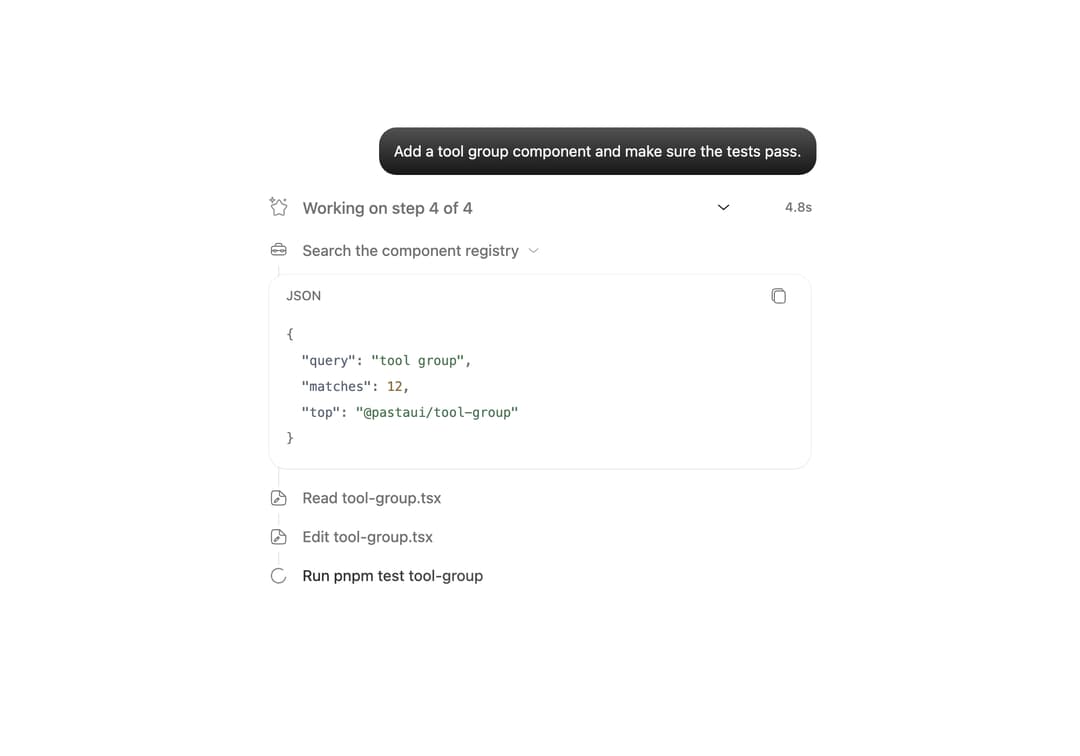
Consecutive tool calls in one readable group with collapsible outputs for each call.
Built with React and Tailwind. Copy the prompt and paste it into Claude Code, Cursor or Lovable: your agent adds Tool Group to your project and fits it to your theme.
Code
How Tool Group is used: the demo's code. The component's own source comes with a free account.
Usage.tsx
import { useEffect, useState } from 'react'
import ToolGroup, { type ToolGroupItem } from '@/components/ui/tool-group'

const steps: (Omit<ToolGroupItem, 'status'> & { ms: number })[] = [
  {
    id: 'search',
    name: 'Search the component registry',
    ms: 1300,
    output: '{\n  "query": "tool group",\n  "matches": 12,\n  "top": "@pastaui/tool-group"\n}',
    outputLanguage: 'json',
  },
  { id: 'read', kind: 'file', name: 'Read tool-group.tsx', ms: 900 },
  { id: 'edit', kind: 'file', name: 'Edit tool-group.tsx', ms: 1400 },
  {
    id: 'test',
    kind: 'command',
    name: 'Run pnpm test tool-group',
    ms: 1600,
    output: 'pnpm test tool-group\n24 passed, 0 failed (1.2s)',
    outputLanguage: 'shell',
  },
]

export default function Demo() {
  const [open, setOpen] = useState(true)
  const [done, setDone] = useState(2)
  const [elapsed, setElapsed] = useState(2.4)
  const finished = done >= steps.length

  useEffect(() => {
    const timer = setTimeout(
      () => {
        if (finished) {
          setDone(0)
          setElapsed(0)
        } else setDone((value) => value + 1)
      },
      finished ? 3500 : steps[done].ms,
    )
    return () => clearTimeout(timer)
  }, [done, finished])

  useEffect(() => {
    if (finished) return
    const timer = setInterval(() => setElapsed((value) => value + 0.1), 100)
    return () => clearInterval(timer)
  }, [finished])

  const items: ToolGroupItem[] = steps
    .slice(0, Math.min(done + 1, steps.length))
    .map(({ ms, output, ...step }, index) => ({
      ...step,
      output: index < done ? output : undefined,
      status: index < done ? 'complete' : 'running',
    }))

  return (
    <div className="flex min-h-[28rem] w-full max-w-lg flex-col gap-4 font-sans text-sm tracking-[-0.05px]">
      <p className="ml-auto w-fit max-w-[85%] rounded-[16px] bg-primary bg-linear-to-b from-[color-mix(in_oklch,var(--primary),var(--primary-foreground)_30%)] to-primary px-3.5 py-2.5 leading-6 text-primary-foreground dark:bg-none">
        Add a tool group component and make sure the tests pass.
      </p>
      <ToolGroup
        className="w-full"
        duration={`${elapsed.toFixed(1)}s`}
        items={items}
        onOpenChange={setOpen}
        open={open}
        title={
          finished
            ? '4 tools, edited 1 file, ran 1 command'
            : `Working on step ${done + 1} of ${steps.length}`
        }
      />
      <p
        className={`leading-6 font-[450] text-muted-foreground transition-[opacity,translate] duration-300 ease-[cubic-bezier(0.23,1,0.32,1)] ${finished ? 'translate-y-0 opacity-100' : 'translate-y-1 opacity-0'}`}
      >
        Added the tool group with collapsible outputs. All 24 tests pass.
      </p>
    </div>
  )
}
Dependencies
More by Syed Hasnain
View all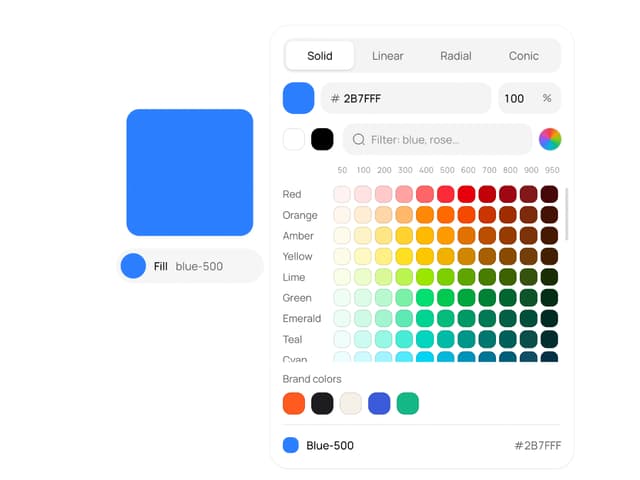
Color Picker
204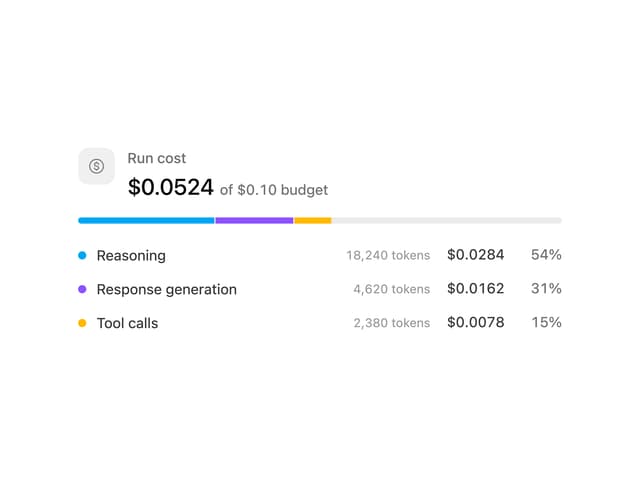
Cost Meter
55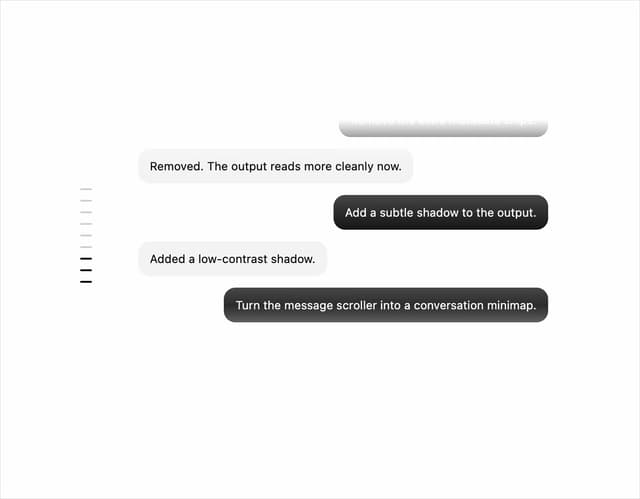
Message Scroller
45
Attachments
43
Background Inbox
39
Commit
38
Video Player
31
Approval Card
31