
About
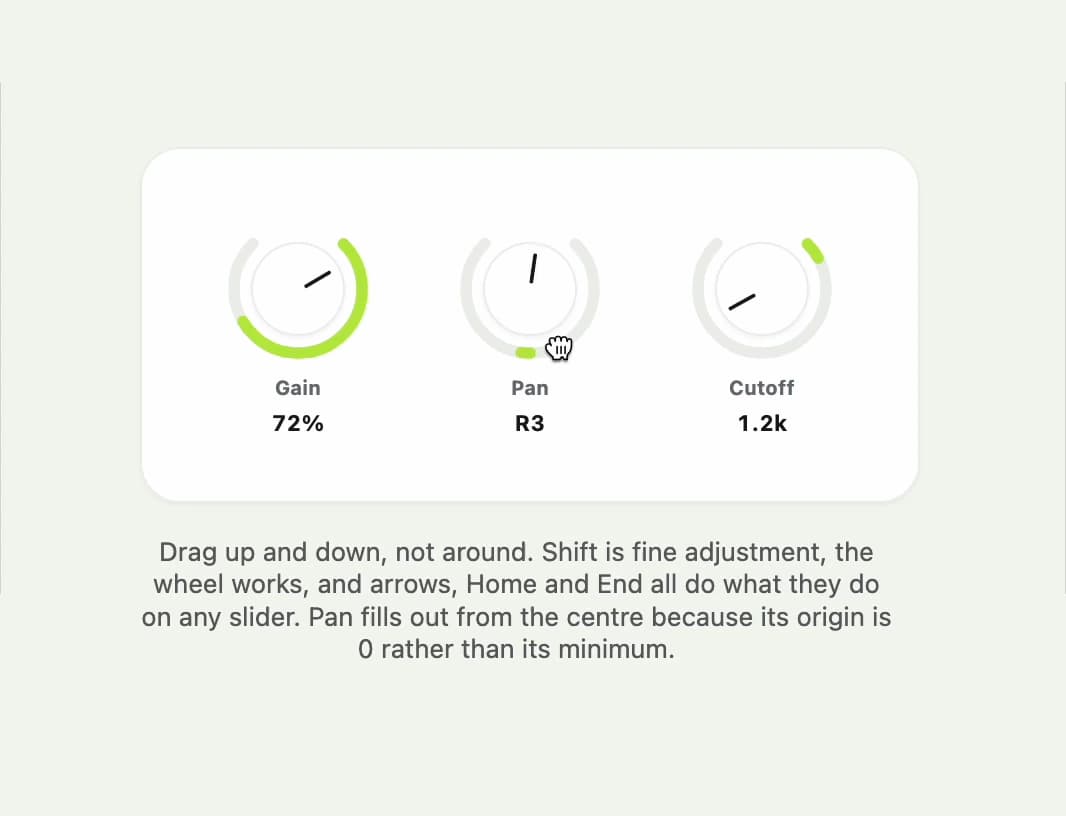
A draggable rotary dial control for setting a numeric value within a range, like a volume or pan knob on an audio mixer.
Built with React and Tailwind. Copy the prompt and paste it into Claude Code, Cursor or Lovable: your agent adds Knob to your project and fits it to your theme.
Code
How Knob is used: the demo's code. The component's own source comes with a free account.
Usage.tsx
"use client";

import Knob from "@/components/ui/knob";
import { useState } from "react";

export default function KnobDemo() {
  const [gain, setGain] = useState(72);
  const [pan, setPan] = useState(0);
  const [cutoff, setCutoff] = useState(1200);

  return (
    <div className="flex min-h-[420px] w-full items-center justify-center bg-[var(--color-canvas)] p-8">
      <div className="flex flex-col gap-4">
        <div className="flex items-center gap-10 rounded-[20px] border border-line bg-surface px-10 py-8 shadow-[var(--shadow-tile)]">
          <Knob
            label="Gain"
            value={gain}
            onChange={setGain}
            min={0}
            max={100}
            origin={0}
            format={(v) => `${Math.round(v)}%`}
          />
          <Knob
            label="Pan"
            value={pan}
            onChange={setPan}
            min={-50}
            max={50}
            origin={0}
            format={(v) =>
              Math.round(v) === 0
                ? "C"
                : `${v > 0 ? "R" : "L"}${Math.abs(Math.round(v))}`
            }
          />
          <Knob
            label="Cutoff"
            value={cutoff}
            onChange={setCutoff}
            min={20}
            max={20000}
            origin={20}
            format={(v) =>
              v >= 1000 ? `${(v / 1000).toFixed(1)}k` : `${Math.round(v)}`
            }
          />
        </div>
        <p className="max-w-[46ch] text-center text-[13px] leading-tight text-ink-soft">
          Drag up and down, not around. Shift is fine adjustment, the wheel
          works, and arrows, Home and End all do what they do on any slider. Pan
          fills out from the centre because its origin is 0 rather than its
          minimum.
        </p>
      </div>
    </div>
  );
}
More by klyv-ui
View all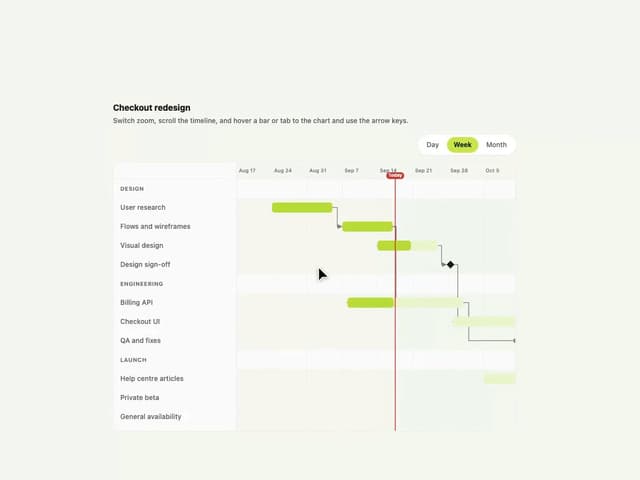
Gantt Chart
97
Shader Canvas
63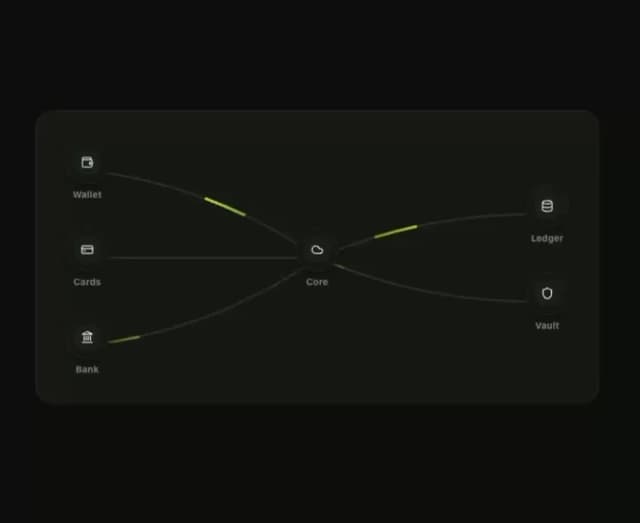
Klyv Animated Beam
62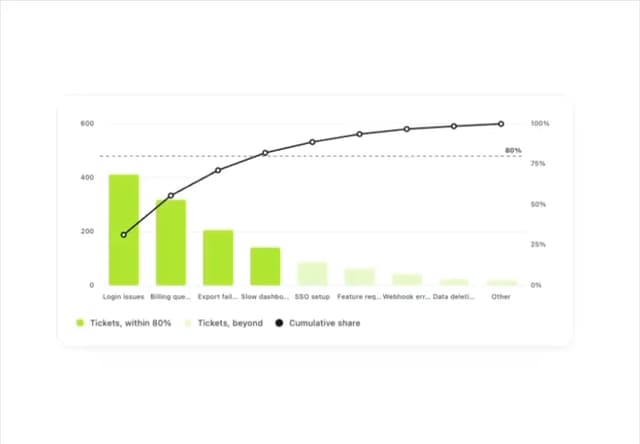
Pareto Chart
58
Fluid Canvas
42
Sunburst Chart
34
Morphing Text
30
Gooey Loader
29