
About
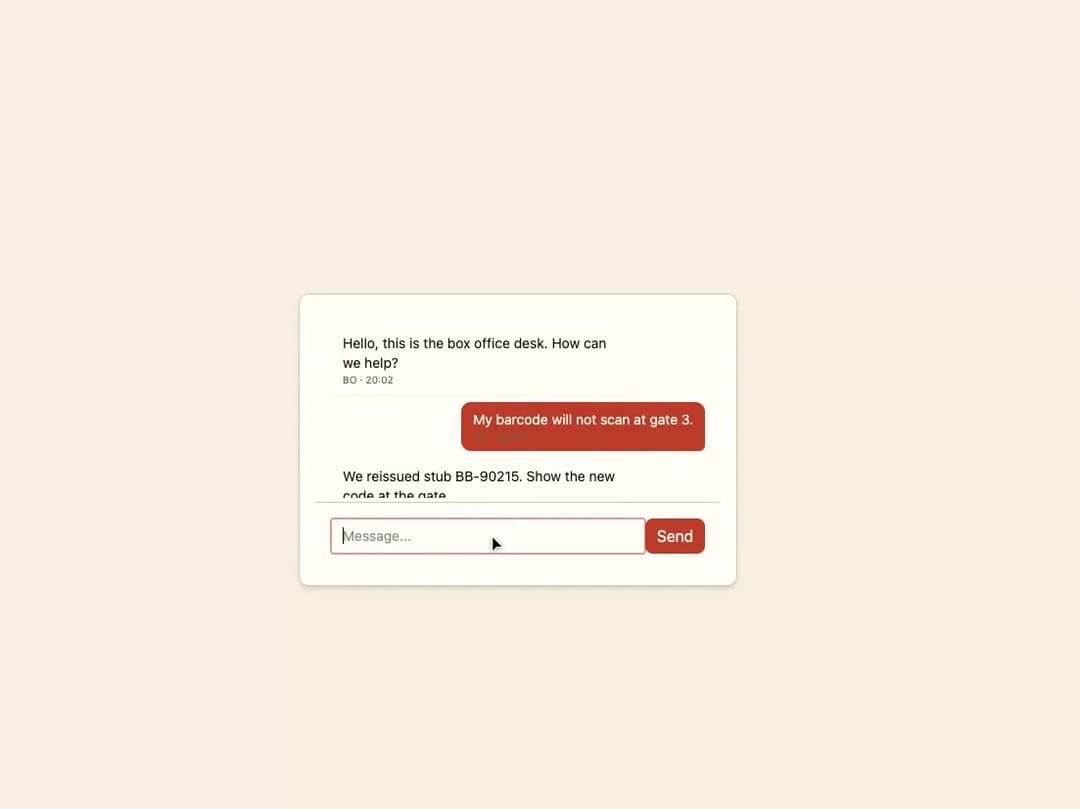
A chat panel with a scrollable message list, bubble styling for incoming/outgoing messages, a typing indicator, and a text input with send button, for live support or messaging interfaces.
Built with React and Tailwind. Copy the prompt and paste it into Claude Code, Cursor or Lovable: your agent adds Chat Window to your project and fits it to your theme.
Code
How Chat Window is used: the demo's code. The component's own source comes with a free account.
Usage.tsx
"use client";

import * as React from "react";
import { ChatWindow } from "@/components/ui/chat-window";
import type { ChatMessage } from "@/components/ui/chat-window";

const SEED: ChatMessage[] = [
  {
    id: "m1",
    author: "Box office",
    initials: "BO",
    body: "Hello, this is the box office desk. How can we help?",
    time: "20:02",
    direction: "incoming",
  },
  {
    id: "m2",
    author: "You",
    initials: "YO",
    body: "My barcode will not scan at gate 3.",
    time: "20:03",
    direction: "outgoing",
  },
  {
    id: "m3",
    author: "Box office",
    initials: "BO",
    body: "We reissued stub BB-90215. Show the new code at the gate.",
    time: "20:04",
    direction: "incoming",
  },
];

export default function ChatWindowDemo() {
  const [messages, setMessages] = React.useState<ChatMessage[]>(SEED);
  const [typing, setTyping] = React.useState(false);

  const handleSend = (body: string) => {
    const outgoing: ChatMessage = {
      id: `m-${Date.now()}`,
      author: "You",
      initials: "YO",
      body,
      time: "NOW",
      direction: "outgoing",
    };
    setMessages((prev) => [...prev, outgoing]);
    setTyping(true);
    window.setTimeout(() => {
      setTyping(false);
      setMessages((prev) => [
        ...prev,
        {
          id: `m-${Date.now()}-r`,
          author: "Box office",
          initials: "BO",
          body: "Noted. An agent joins this thread in a moment.",
          time: "NOW",
          direction: "incoming",
        },
      ]);
    }, 1200);
  };

  return (
    <div className="flex w-full items-center justify-center bg-background p-8">
      <div className="w-full max-w-md rounded-lg border border-border bg-card p-4 shadow-md">
        <ChatWindow messages={messages} onSend={handleSend} typing={typing} />
      </div>
    </div>
  );
}
More by f0rextasy
View all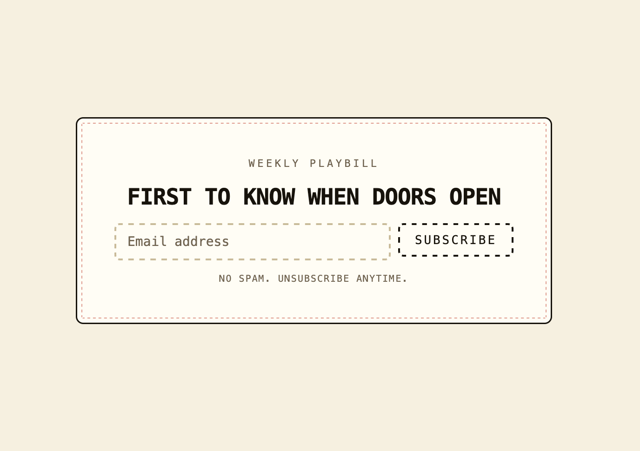
Newsletter Signup Card
19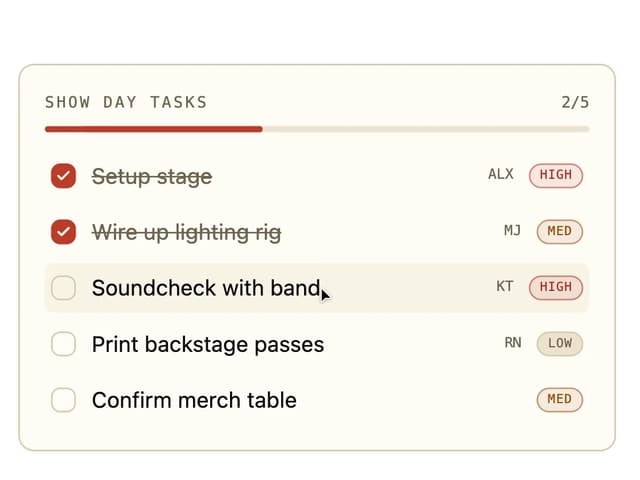
Board Checklist
15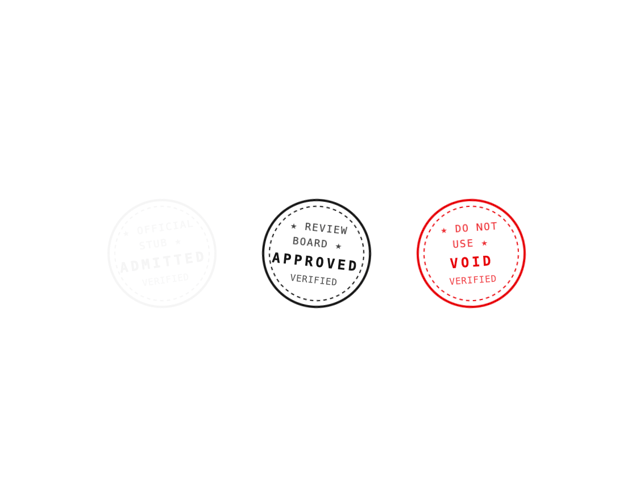
Stamp Seal
15
Network Graph
14
Navbar
12
Running Order Timeline
11
Milestone Chart
10
Empty State Card
7