
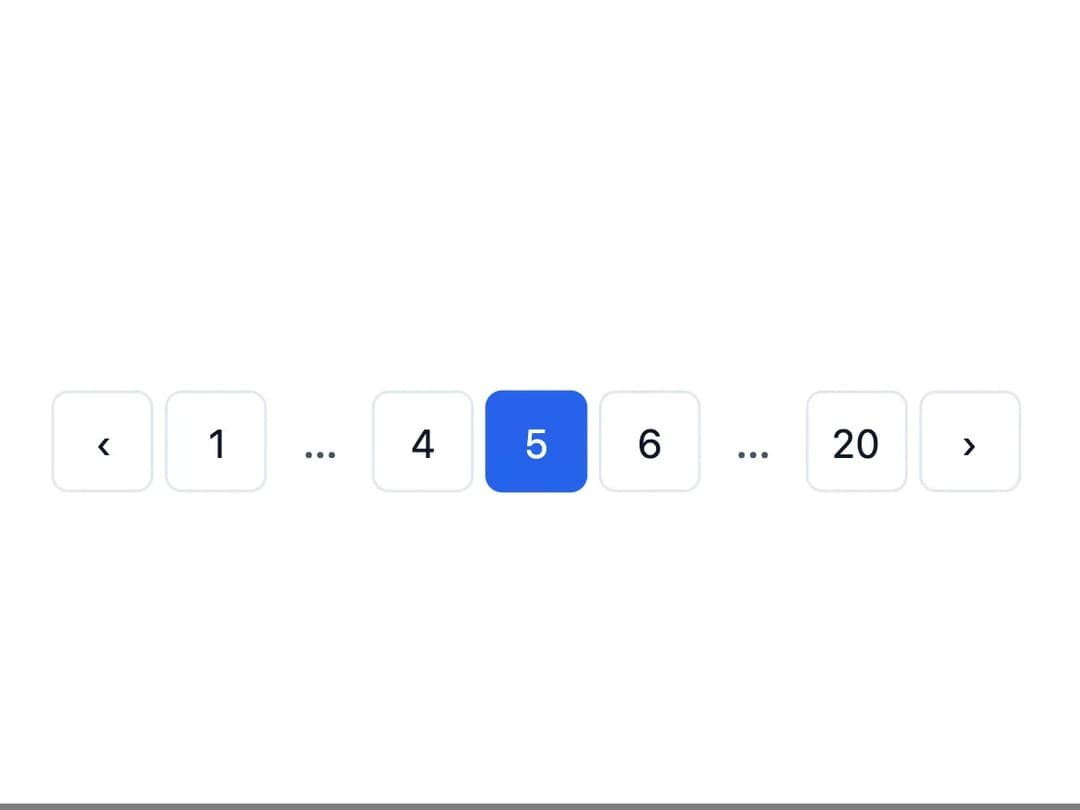
About
A page navigation control with numbered page buttons, previous/next arrows, and smart ellipsis for jumping between many pages of content.
Built with React and Tailwind. Copy the prompt and paste it into Claude Code, Cursor or Lovable: your agent adds Pagination to your project and fits it to your theme.
Code
How Pagination is used: the demo's code. The component's own source comes with a free account.
Usage.tsx
import * as React from "react";
import Pagination from "@/components/ui/pagination";

export default function PaginationDemo() {
  const [page, setPage] = React.useState(5);

  return (
    <div className="flex w-full items-center justify-center p-8">
      <Pagination
        totalPages={20}
        currentPage={page}
        onChange={setPage}
        siblingCount={1}
      />
    </div>
  );
}
More by dixant
View all
Tooltip
1
Select
Typography
Avatar
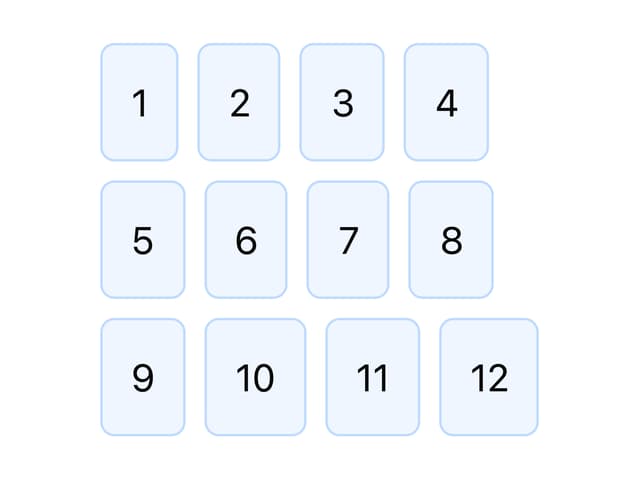
Stack

Skeleton

Radio Group

Icon
More in Navigation
View all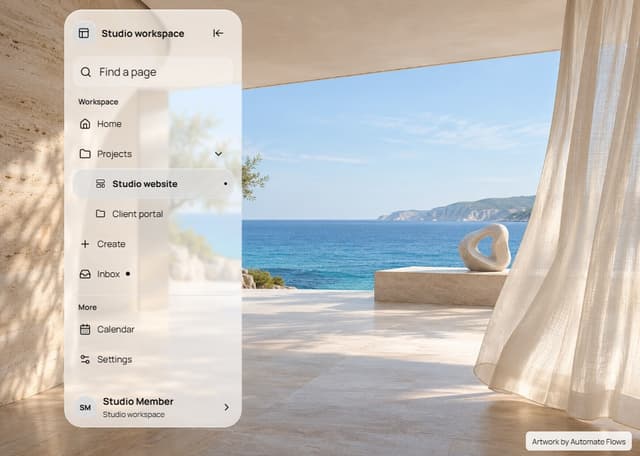

Liquid Glass Expandable Sidebar
76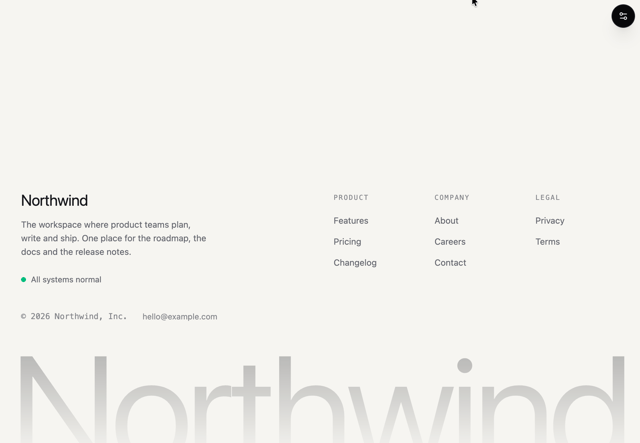

Footer with Big Wordmark
40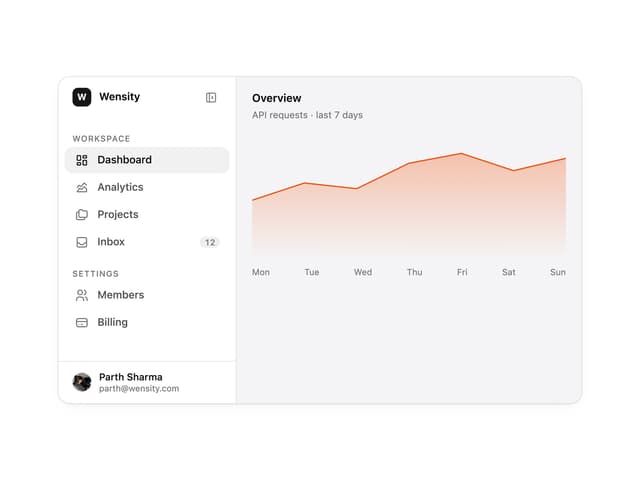

Sidebar
392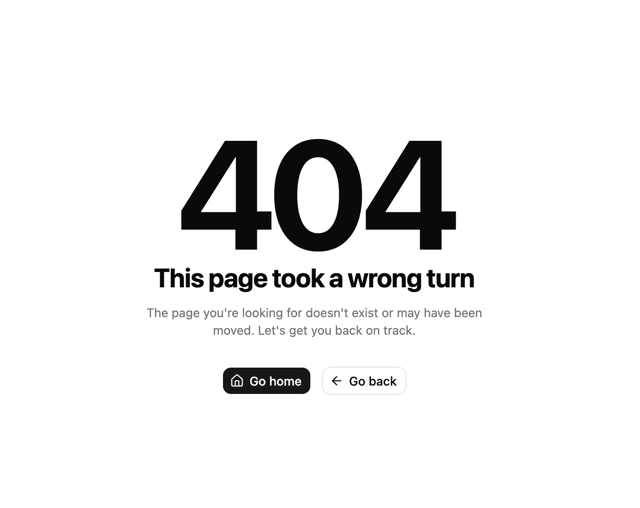

Oversized 404 Numeral
78
Navbar with Theme Toggle
67

NavBar
2

Pagination
109
Tabs like bookmark
82
