
About
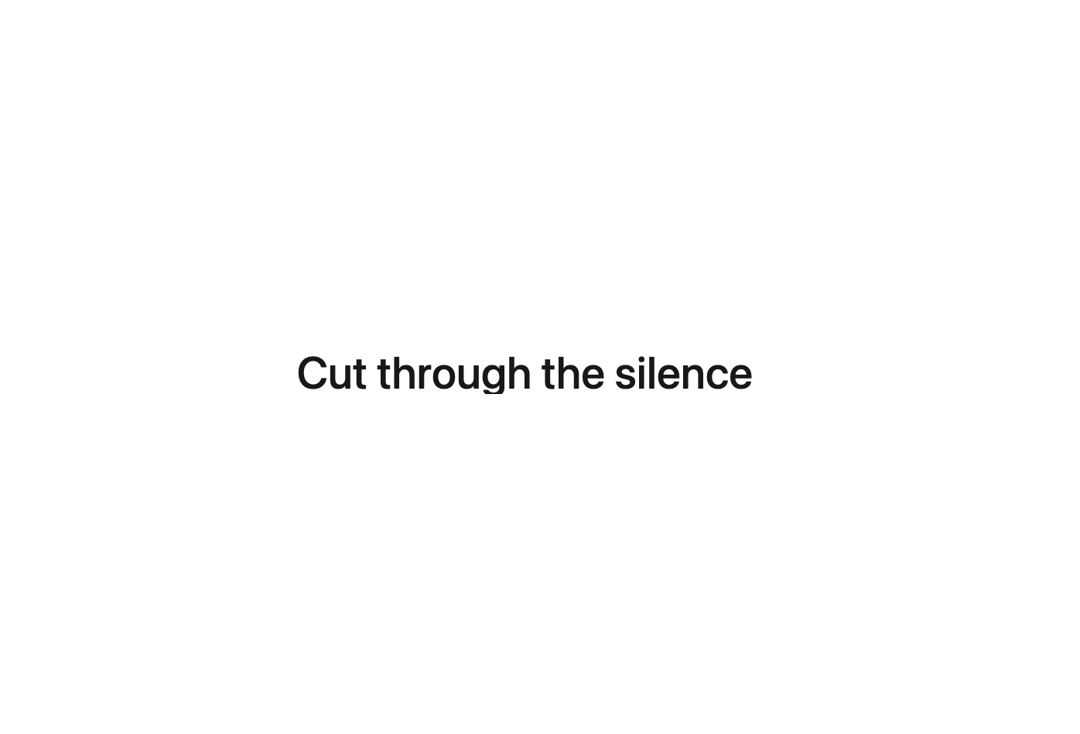
Here is Split Text component
Built with React and Tailwind. Copy the prompt and paste it into Claude Code, Cursor or Lovable: your agent adds Split Text to your project and fits it to your theme.
Code
How Split Text is used: the demo's code. The component's own source comes with a free account.
Usage.tsx
import { TextSplit } from "@/components/ui/split-text";

const TextSplitFalloff = () => {
  return (
    <TextSplit
      className="text-4xl font-medium text-zinc-900 dark:text-zinc-50"
      maxMove={150}
      falloff={0.1}
    >
      Cut through the silence
    </TextSplit>
  );
};

export default TextSplitFalloff;
Dependencies
More by Berlix UI
View all

Input
816
Menu Vertical
752
Checkbox
450
More in Text
View all
Motion Blur Text
45

Rainbow Text Effect
58

Short Slide Down
45
Blur Reveal
72

Text Reveal
29
Apple Hello Effect
659
Text Highlight
96

Scroll Fill Headline
13

