
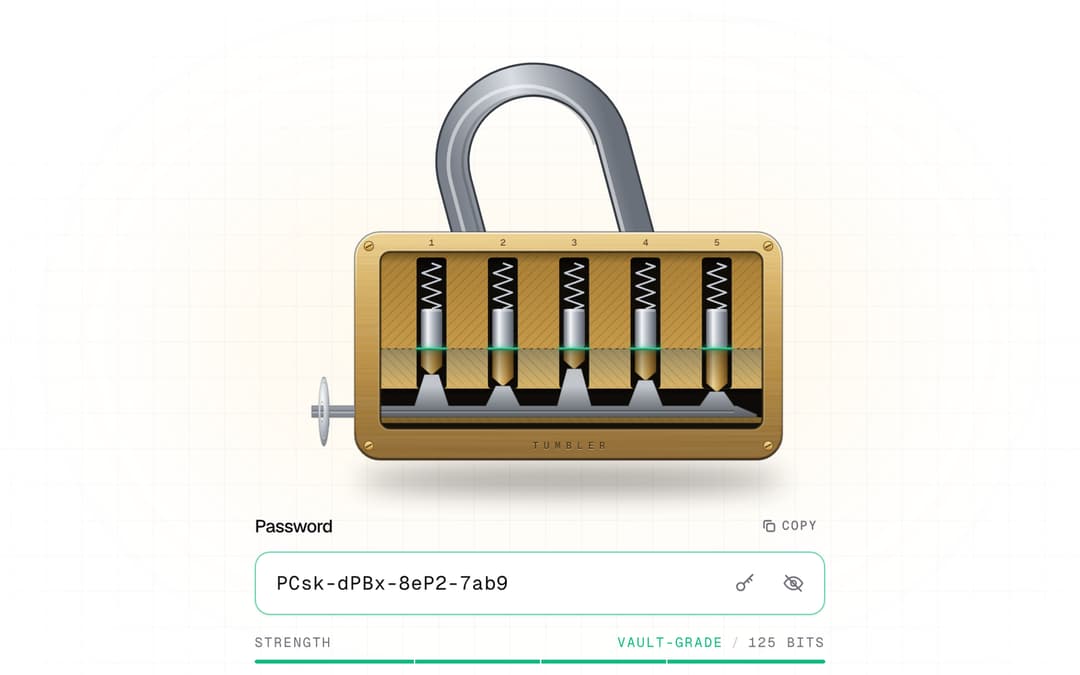
About
Password field as a cutaway pin-tumbler lock. Every rule is a pin; your password cuts the key.
Built with React and Tailwind. Copy the prompt and paste it into Claude Code, Cursor or Lovable: your agent adds Tumbler Password to your project and fits it to your theme.
Code
How Tumbler Password is used: the demo's code. The component's own source comes with a free account.
Usage.tsx
"use client";

import * as React from "react";
import { TumblerPassword, type TumblerRule } from "@/components/ui/tumbler-password";

const FONTS = `
@import url('https://fonts.googleapis.com/css2?family=Geist:wght@400;500;600&family=Geist+Mono:wght@400;500;600&family=Instrument+Serif:ital@0;1&display=swap');
.tumbler-demo{font-family:'Geist',ui-sans-serif,system-ui,sans-serif;--font-mono:'Geist Mono';font-feature-settings:"ss01","cv11"}
.tumbler-demo .font-mono{font-family:'Geist Mono',ui-monospace,SFMono-Regular,Menlo,monospace}
.tumbler-demo .font-display{font-family:'Instrument Serif',ui-serif,Georgia,serif;font-weight:400;letter-spacing:-0.01em}
`;

function Stage({ children }: { children: React.ReactNode }) {
  return (
    <div className="tumbler-demo relative flex min-h-[780px] w-full items-center justify-center overflow-hidden bg-background px-6 py-14">
      <style>{FONTS}</style>
      {/* faint drafting grid + vignette */}
      <div
        aria-hidden
        className="pointer-events-none absolute inset-0 opacity-[0.5] [background-image:linear-gradient(to_right,rgb(128_128_128/0.14)_1px,transparent_1px),linear-gradient(to_bottom,rgb(128_128_128/0.14)_1px,transparent_1px)] [background-size:28px_28px] [mask-image:radial-gradient(ellipse_at_center,black_10%,transparent_70%)]"
      />
      <div aria-hidden className="pointer-events-none absolute left-1/2 top-[30%] h-72 w-[36rem] -translate-x-1/2 rounded-full bg-amber-400/[0.07] blur-3xl" />
      <div className="relative w-full max-w-md">{children}</div>
    </div>
  );
}

export default function TumblerPasswordDemo() {
  const [unlocked, setUnlocked] = React.useState(false);
  const [sound, setSound] = React.useState(true);

  return (
    <Stage>
      <form onSubmit={(e) => e.preventDefault()}>
        <div className="mb-3 flex items-center justify-between">
          <p className="font-mono text-[10.5px] uppercase tracking-[0.24em] text-muted-foreground">
            Step 2 / 3 · Secure your account
          </p>
          <button
            type="button"
            onClick={() => setSound((s) => !s)}
            aria-pressed={sound}
            className="inline-flex items-center gap-1.5 rounded-md px-2 py-1 font-mono text-[10.5px] uppercase tracking-[0.14em] text-muted-foreground transition-colors hover:bg-muted hover:text-foreground"
          >
            <svg viewBox="0 0 16 16" className="size-3" fill="none" stroke="currentColor" strokeWidth="1.5" strokeLinecap="round" strokeLinejoin="round" aria-hidden>
              <path d="M2.5 6h2l3-2.5v9L4.5 10h-2z" />
              {sound ? <path d="M10.5 5.5a3.5 3.5 0 0 1 0 5M12.5 3.5a6.3 6.3 0 0 1 0 9" /> : <path d="m10.5 6 4 4m0-4-4 4" />}
            </svg>
            {sound ? "Sound" : "Muted"}
          </button>
        </div>

        <h2 className="text-[34px] leading-[1.05] tracking-tight text-foreground">
          <span className="font-display">Your password</span>{" "}
          <span className="font-display italic text-muted-foreground">cuts the key.</span>
        </h2>
        <p className="mt-2.5 max-w-sm text-[14px] leading-relaxed text-muted-foreground">
          Every rule is a pin. Set them all and the lock opens, or let us cut one for you.
        </p>

        <TumblerPassword className="mt-5" sound={sound} onUnlockChange={setUnlocked} />

        <button
          type="submit"
          disabled={!unlocked}
          className="group mt-6 inline-flex h-11 w-full items-center justify-center gap-2 rounded-xl bg-foreground text-sm font-medium text-background shadow-sm transition-all duration-300 enabled:hover:opacity-90 enabled:active:scale-[0.99] disabled:cursor-not-allowed disabled:opacity-20"
        >
          {unlocked ? "Create account" : "Set every pin to continue"}
          {unlocked && (
            <svg viewBox="0 0 16 16" className="size-3.5 transition-transform group-hover:translate-x-0.5" fill="none" stroke="currentColor" strokeWidth="1.8" strokeLinecap="round" strokeLinejoin="round" aria-hidden>
              <path d="M3 8h10M9 4l4 4-4 4" />
            </svg>
          )}
        </button>
        <p className="mt-3 text-center font-mono text-[10.5px] uppercase tracking-[0.14em] text-muted-foreground/60">
          Checked locally · never leaves your browser
        </p>
      </form>
    </Stage>
  );
}

/* Variant: custom rules → the lock redraws with that many pins. */
const vaultRules: TumblerRule[] = [
  { id: "len", label: "16+ characters", test: (v) => v.length >= 16 },
  { id: "words", label: "Three or more words", test: (v) => v.trim().split(/[\s\-_.]+/).filter(Boolean).length >= 3 },
  { id: "digit", label: "A number", test: (v) => /\d/.test(v) },
];

export function CustomRules() {
  return (
    <Stage>
      <TumblerPassword
        label="Vault passphrase"
        rules={vaultRules}
        engraving="VAULT · 03"
        placeholder="ember-quartz-harbor-71"
      />
    </Stage>
  );
}
More by Aashir Zayd
View all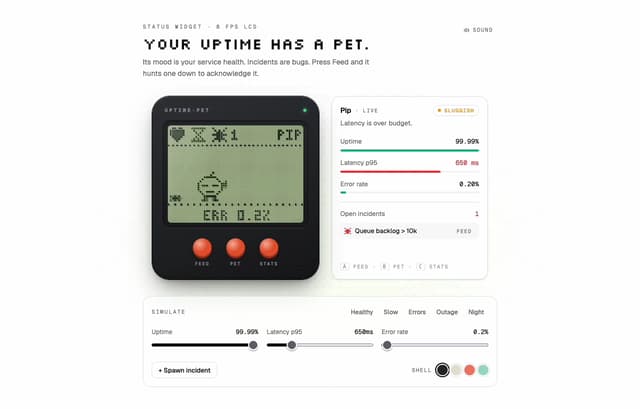
Uptime Pet
18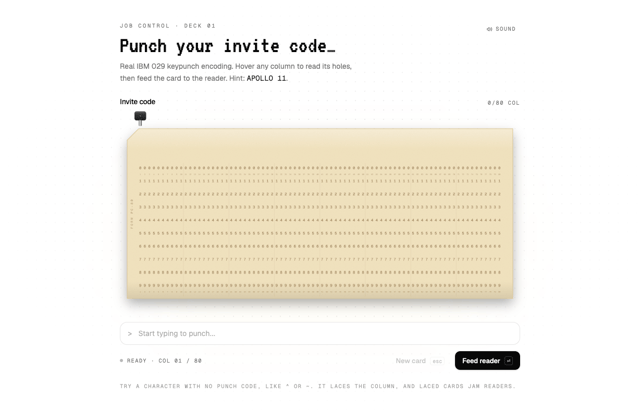
Punch Card Input
12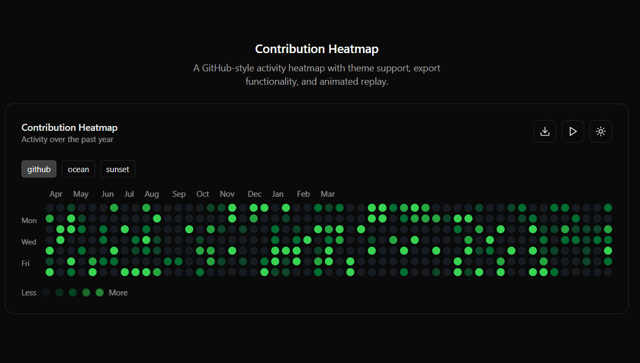
Contribution Heatmap
11
More in Forms
View all

Login 1
63

Premium Auth
570

Contact Card
1.1K

Form
18

Book A Demo 1
91
Authentication Card
52

Card Studio
47

Login Card
35
