
About
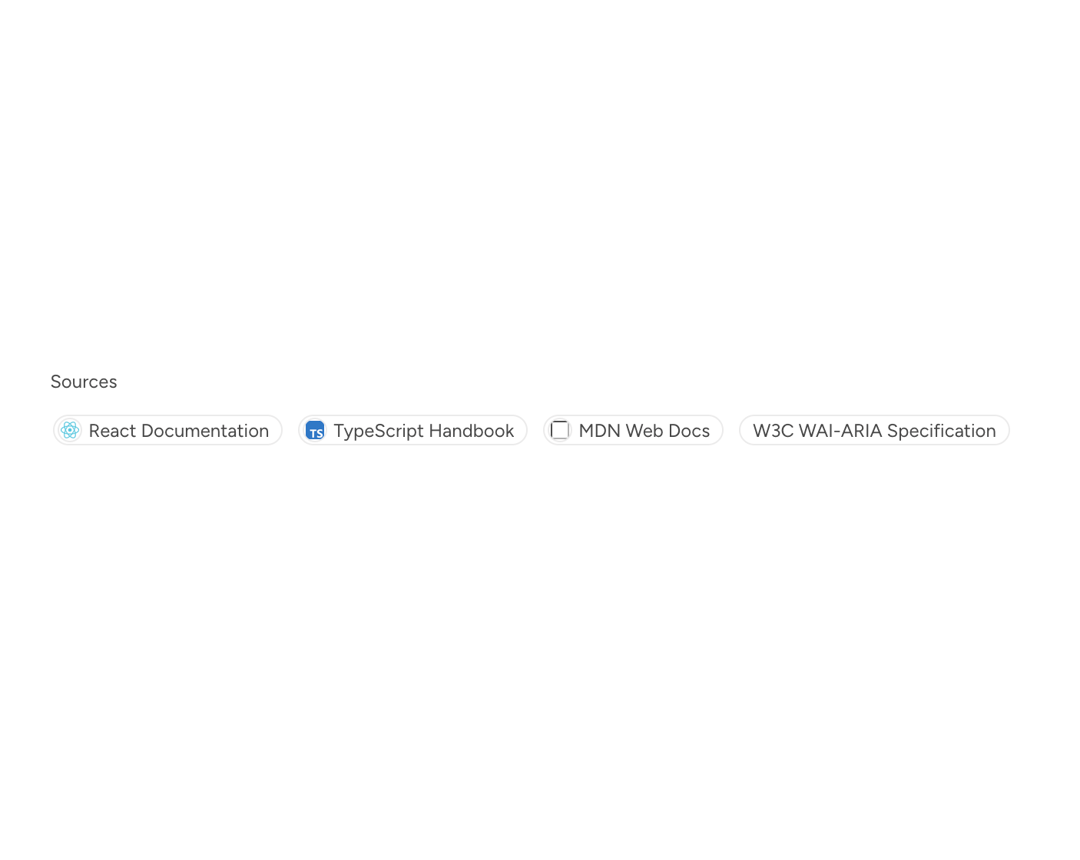
Citations display inline references to external sources. Use them to attribute information within AI-generated responses, articles, or anywhere provenance and source links are needed.
Built with React and Tailwind. Copy the prompt and paste it into Claude Code, Cursor or Lovable: your agent adds Astryx Citation to your project and fits it to your theme.
Code
How Astryx Citation is used: the demo's code. The component's own source comes with a free account.
Usage.tsx
'use client';

import {Citation} from '@/components/ui/astryx-citation';
import {Stack} from '@astryxdesign/core/Layout';
import {Text} from '@astryxdesign/core/Text';

const sources = [
  {
    title: 'React Documentation',
    url: 'https://react.dev',
    icon: 'https://cdn.21st.dev/assets/mirror/b5/b5c3ee3158773e36fd4f42ef319564ab549b4746ee6cc6a3e220447618ad8559.png',
  },
  {
    title: 'TypeScript Handbook',
    url: 'https://www.typescriptlang.org/docs/handbook/',
    icon: 'https://cdn.21st.dev/assets/mirror/a5/a5b6010ffce7ff3b2e601dd2c4f87e3bde8c563b42c8f99a6e0892aa1d8313d9.png',
  },
  {
    title: 'MDN Web Docs',
    url: 'https://developer.mozilla.org',
    icon: 'https://developer.mozilla.org/favicon-48x48.cbbd161b.png',
  },
  {
    title: 'W3C WAI-ARIA Specification',
    url: 'https://www.w3.org/TR/wai-aria/',
  },
];

function CitationSourceList() {
  return (
    <Stack direction="vertical" gap={3}>
      <Text type="supporting" color="secondary">
        Sources
      </Text>
      <Stack direction="horizontal" gap={2} style={{flexWrap: 'wrap'}}>
        {sources.map((source, i) => (
          <Citation
            key={source.title}
            source={source}
            number={i + 1}
            variant="label"
          />
        ))}
      </Stack>
    </Stack>
  );
}

export default function CitationSourceListDemo() {
  return (
    <div
      data-astryx-theme="neutral"
      data-theme="light"
      style={{colorScheme: 'light', display: 'contents'}}>
      <CitationSourceList />
    </div>
  );
}
Dependencies
More by Astryx
View all

Astryx Banner
59
Astryx Aspect Ratio
31
Astryx Avatar
30
Astryx Badge
29
Astryx Button Group
27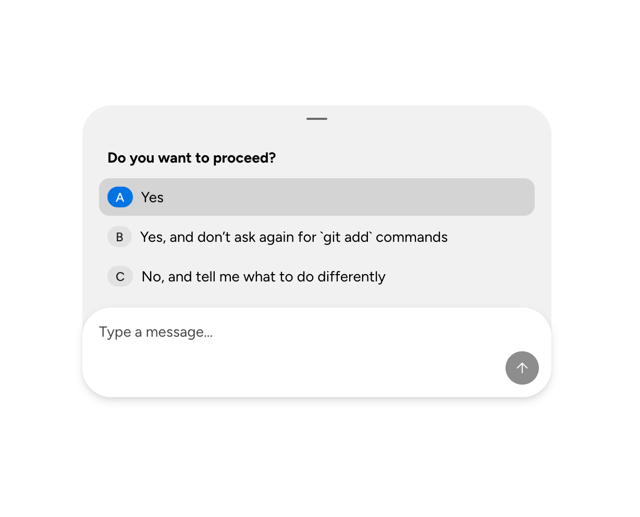
Astryx Chat Composer Drawer
20
Astryx Toggle Button
17
Astryx Avatar Group
9