
About
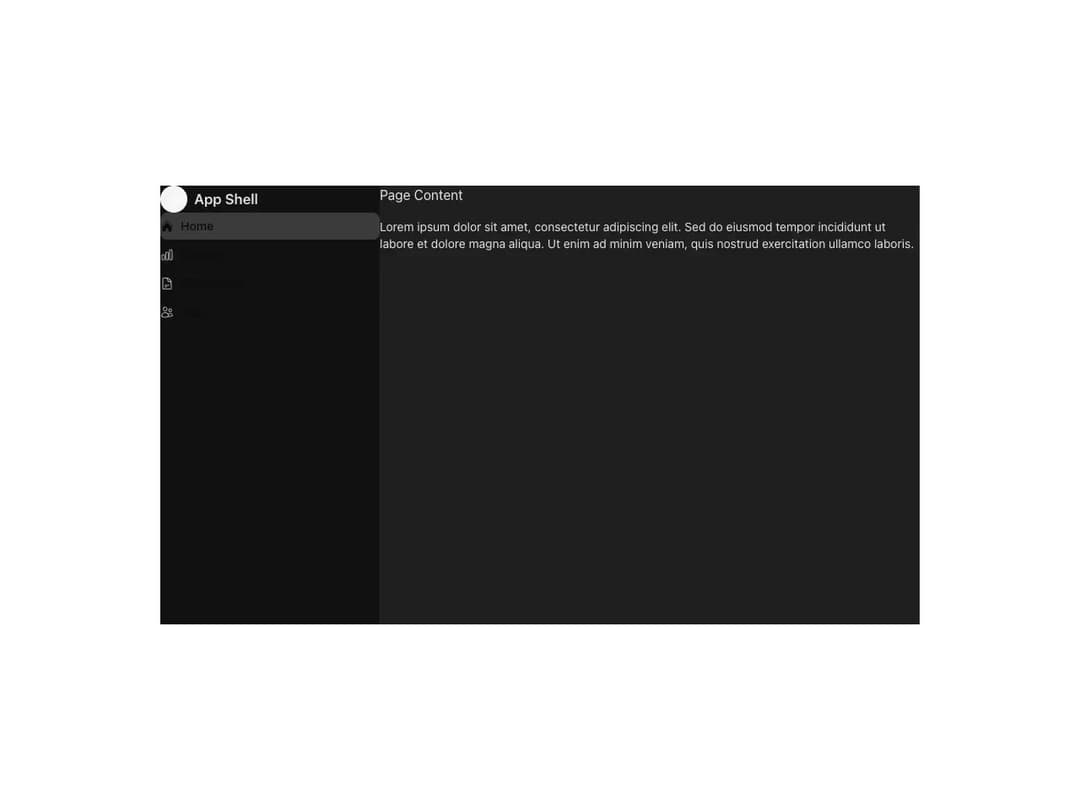
A responsive application shell from Meta's Astryx design system with navigation, banners, and main-content slots.
Built with React and Tailwind. Copy the prompt and paste it into Claude Code, Cursor or Lovable: your agent adds Astryx App Shell to your project and fits it to your theme.
Code
How Astryx App Shell is used: the demo's code. The component's own source comes with a free account.
Usage.tsx
"use client"

import AppShell from "@/components/ui/astryx-app-shell"
import { VStack } from "@astryxdesign/core/Stack"
import { Heading, Text } from "@astryxdesign/core/Text"
import { NavIcon } from "@astryxdesign/core/NavIcon"
import {
  SideNav,
  SideNavHeading,
  SideNavItem,
  SideNavSection,
} from "@astryxdesign/core/SideNav"
import {
  ChartBarIcon,
  CubeIcon,
  DocumentTextIcon,
  UsersIcon,
} from "@heroicons/react/24/outline"
import { HomeIcon } from "@heroicons/react/24/solid"

export default function AppShellDemo() {
  return (
    <div
      data-astryx-theme="neutral"
      data-theme="light"
      style={{ colorScheme: "light", height: "100vh", minHeight: 0, width: "100%" }}
    >
      <AppShell
        contentPadding={6}
        style={{ height: "100%", minHeight: 0, width: "100%" }}
        sideNav={
          <SideNav
            header={
              <SideNavHeading
                icon={<NavIcon icon={<CubeIcon style={{ width: 16, height: 16 }} />} />}
                heading="App Shell"
                headingHref="#"
              />
            }
          >
            <SideNavSection title="Main" isHeaderHidden>
              <SideNavItem label="Home" icon={HomeIcon} isSelected href="#" />
              <SideNavItem label="Reports" icon={ChartBarIcon} href="#" />
              <SideNavItem label="Documents" icon={DocumentTextIcon} href="#" />
              <SideNavItem label="Team" icon={UsersIcon} href="#" />
            </SideNavSection>
          </SideNav>
        }
      >
        <VStack gap={4}>
          <Heading level={3}>Page Content</Heading>
          <Text type="body">
            Lorem ipsum dolor sit amet, consectetur adipiscing elit. Sed do eiusmod tempor incididunt ut labore et dolore magna aliqua. Ut enim ad minim veniam, quis nostrud exercitation ullamco laboris.
          </Text>
        </VStack>
      </AppShell>
    </div>
  )
}
Dependencies
More by Astryx
View all

Astryx Banner
59
Astryx Aspect Ratio
31
Astryx Avatar
30
Astryx Badge
29
Astryx Button Group
27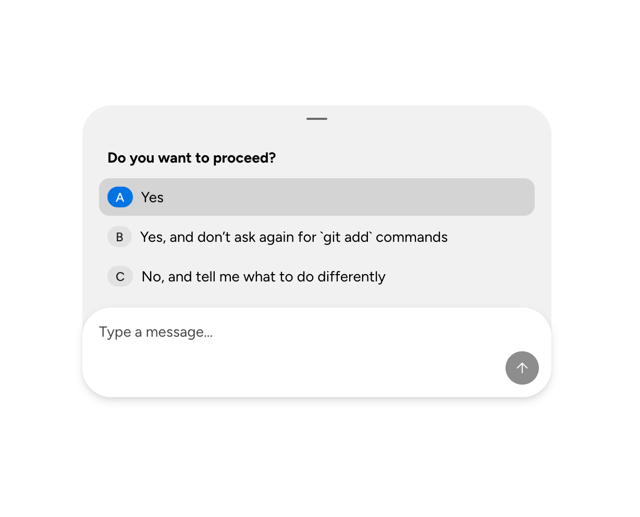
Astryx Chat Composer Drawer
20
Astryx Toggle Button
17
Astryx Avatar Group
9
More in Navigation
View all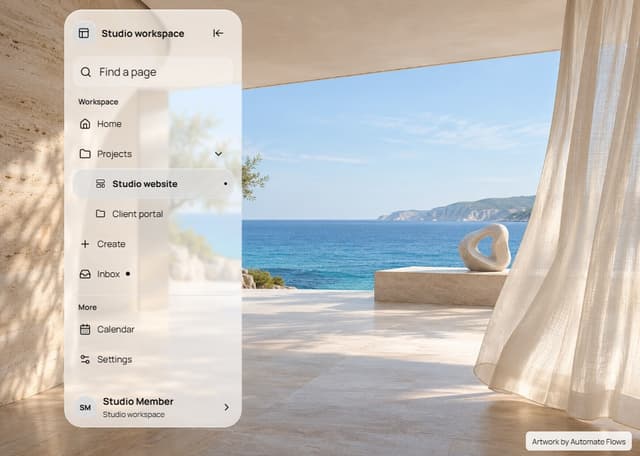

Liquid Glass Expandable Sidebar
76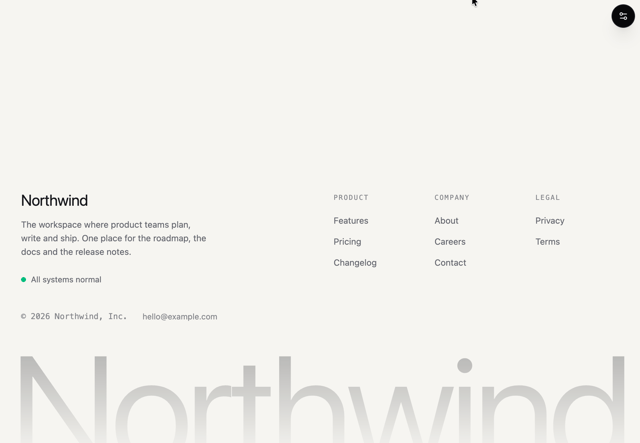

Footer with Big Wordmark
40

Sidebar
392

Oversized 404 Numeral
78
Navbar with Theme Toggle
67

NavBar
2

Pagination
109
Tabs like bookmark
82
